AI Studio · Live

Create the perfect
Image

Flux, Imagen, Nano Banana and more — all in one place. Pick a model, write a prompt, get the image.

30+ models  ·  one subscription  ·  commercial license

A look at what's possible

Real images generated on Lukie by real users. Every model represented.

Astronaut woman with a fishbowl helmet
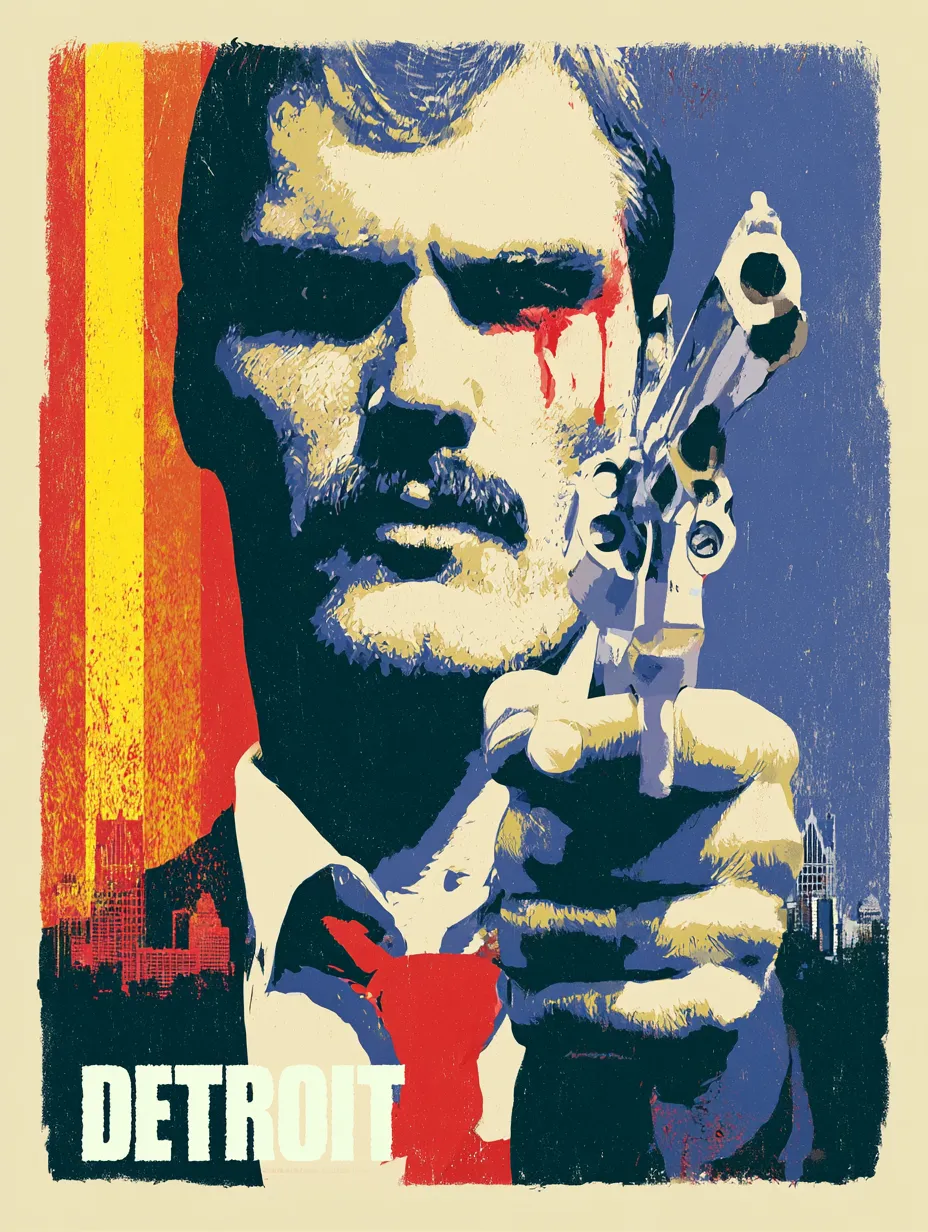
1970s action movie poster
Cinematic portrait inspired by Her
Luxury cinematic advertising shot
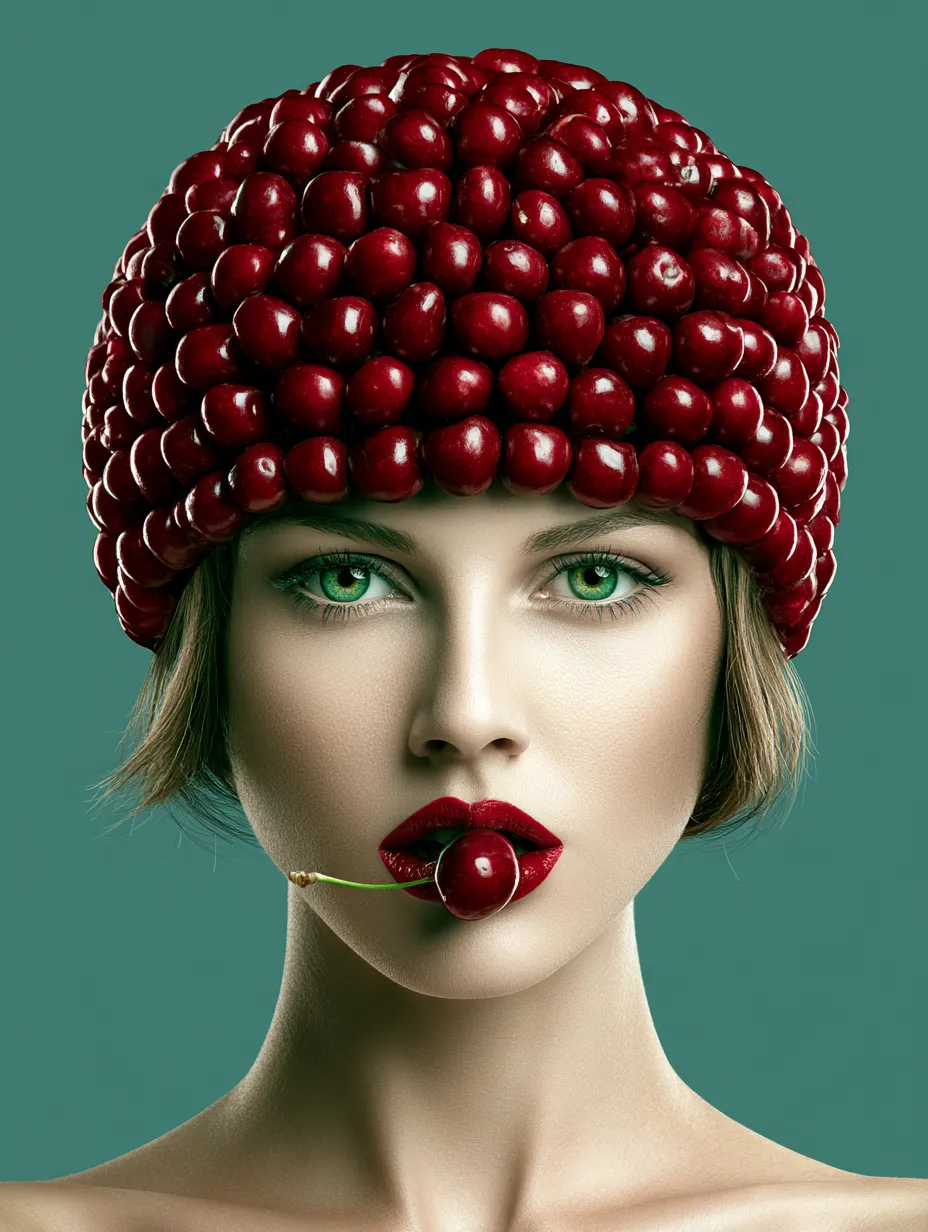
Portrait of a woman with green eyes
Ancient Chinese watercolor
Woman floating on a balloon
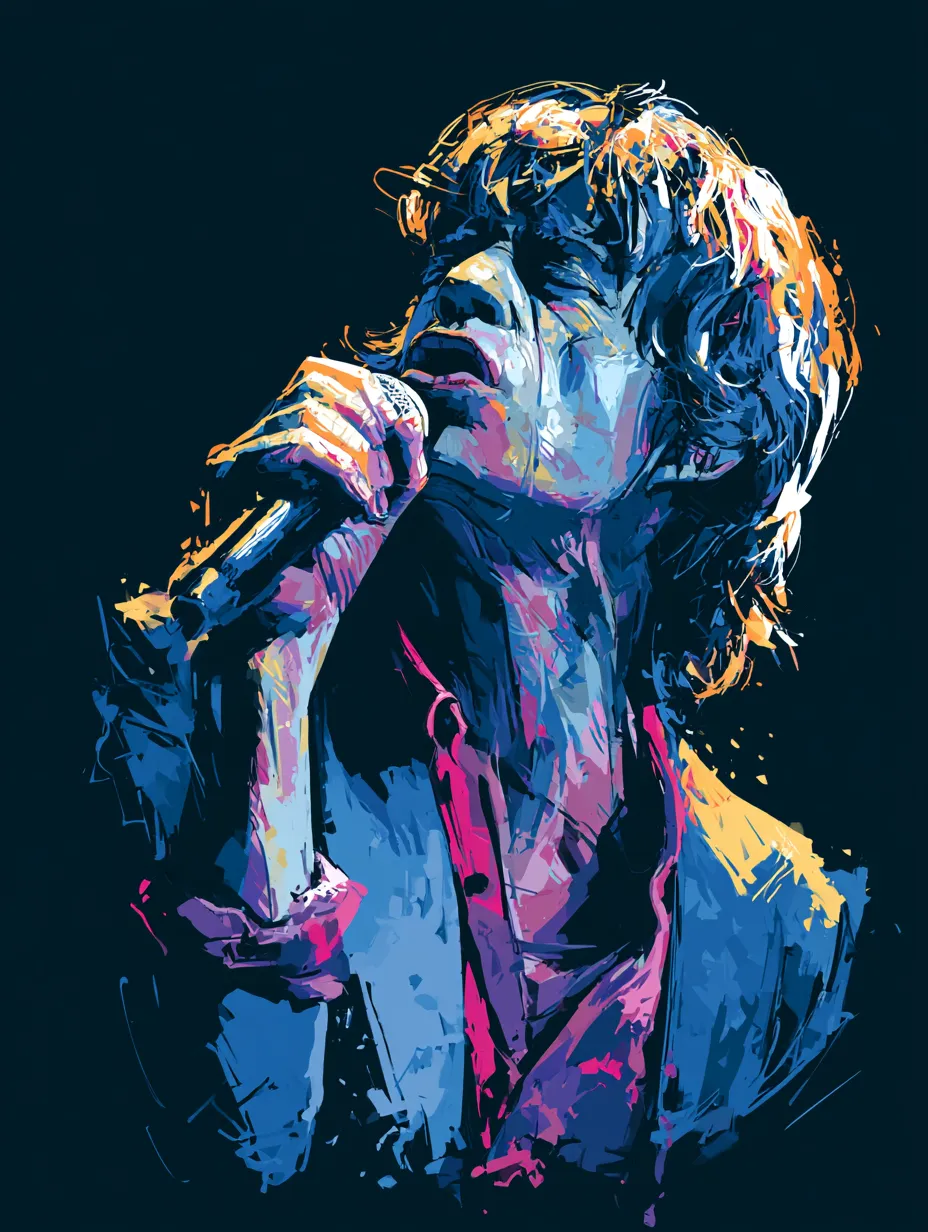
Minimalist illustration of Mick Jagger
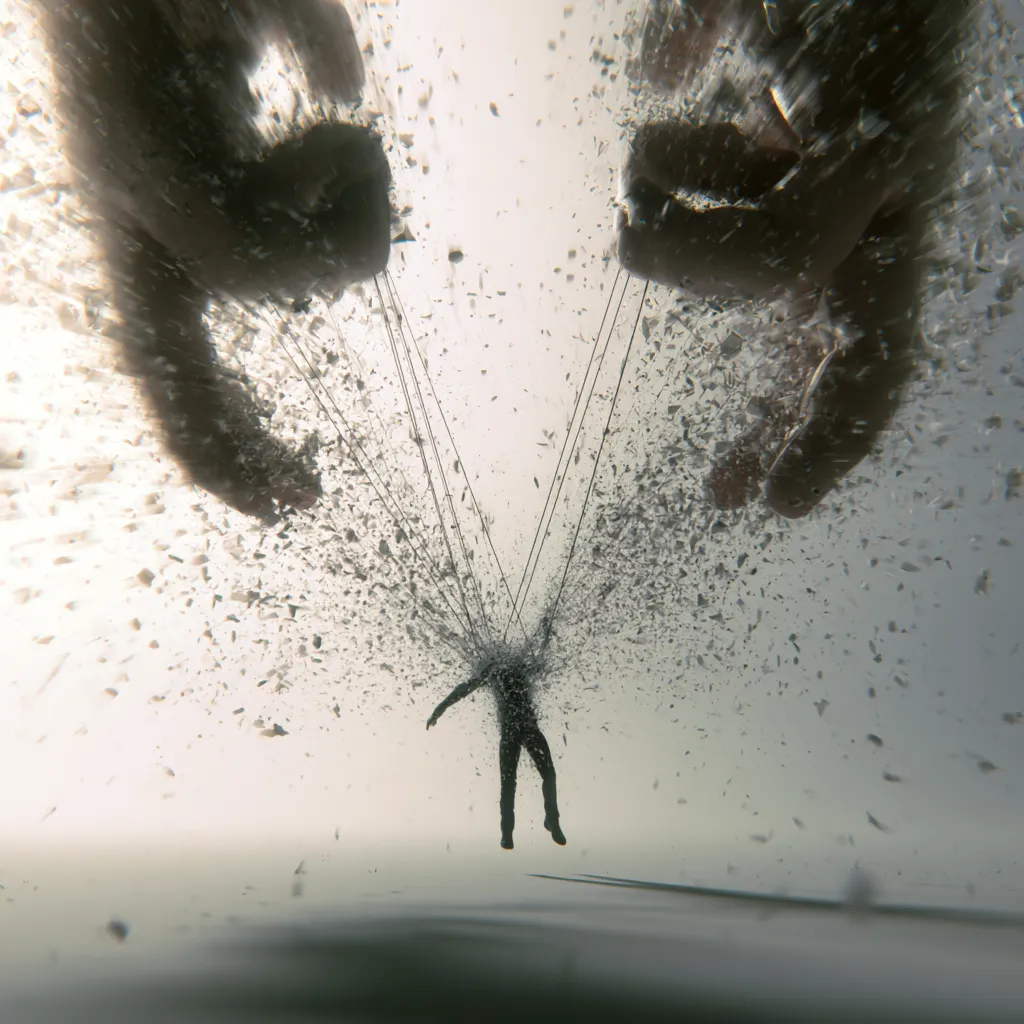
Surreal giant hands grabbing
Oil painting of a glass vase
1950s diner pinup illustration
Vintage Vespa scooter
Full-body portrait of a young subject
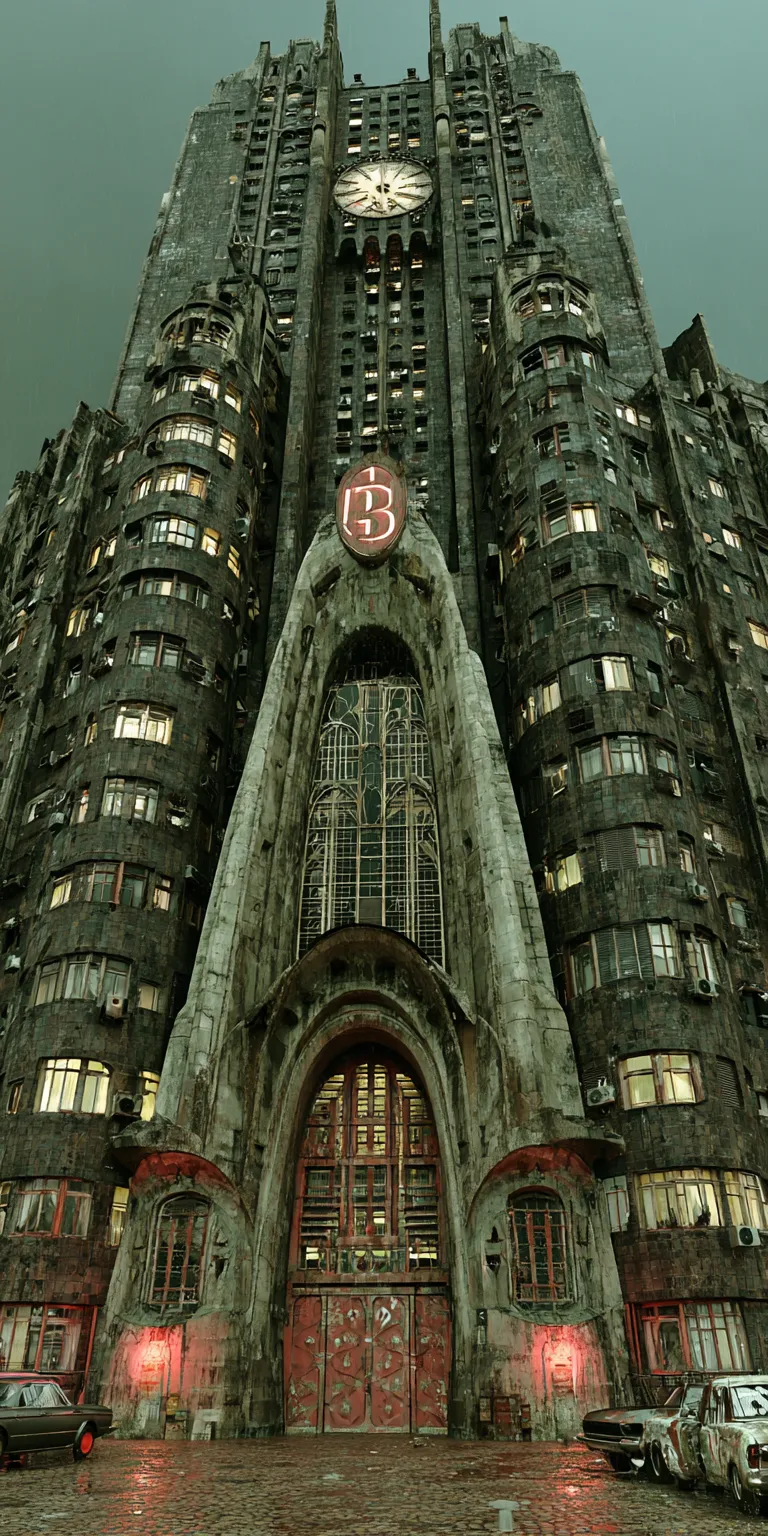
Art nouveau apartment building
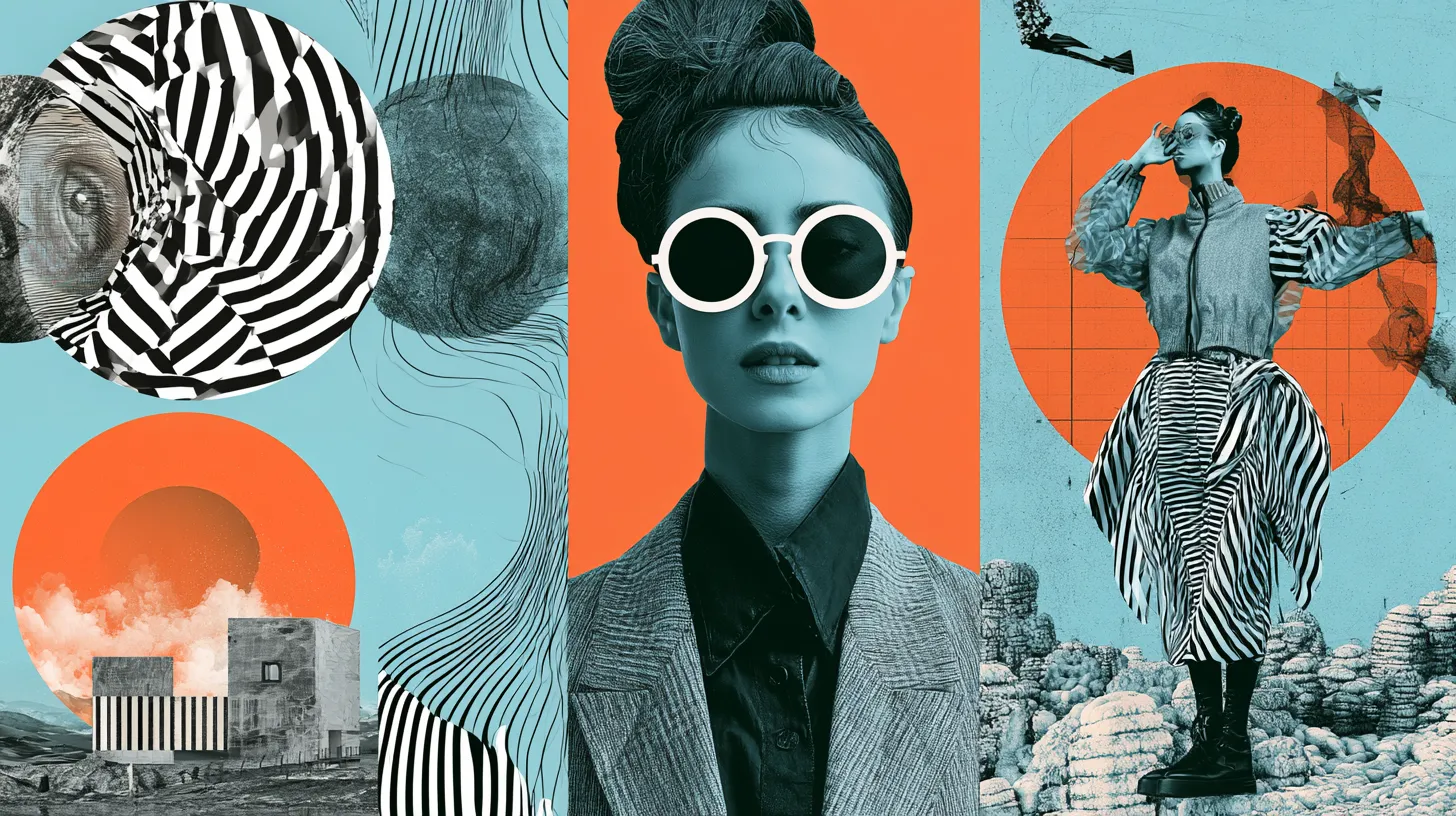
Surrealist graphic design poster
Juicy orange slice macro shot

Create with the leading AI Image models

Every flagship image model in one place. Swap between Flux, Imagen, Nano Banana, Seedream and more — same prompt, different aesthetic.

Black Forest Labs Speed-optimized Fast

Flux Schnell

Black Forest Labs' lightning-fast model — designed to generate high-quality images in just 1–4 steps. The best default when you want quick iterations without sacrificing quality.

More on Flux Schnell
Sample image from Flux Schnell Live preview
Flux Schnell 2048 × 2048 · v1.1

How to create with Lukie

Lukie's AI tools are built to make your best work feel effortless. Three short steps from a blank box to a finished creation.

Start Creating

Open the Lukie studio

Sign in and pick a generator — AI Voiceover, AI Image, AI Video, AI Code, AI Chat or AI Webpages. Try it for free.


Pick your model & generate

Choose between the leading AI models, fine-tune your settings, then enter your prompt to start creating.

Flux 1.1 Pro
Imagen 4 Imagen 4
Nano Banana 2 Nano Banana 2

Refine and grade with LUTs

Apply cinematic colour LUTs in one click. Drag to compare before and after — every Lukie creation grades non-destructively.
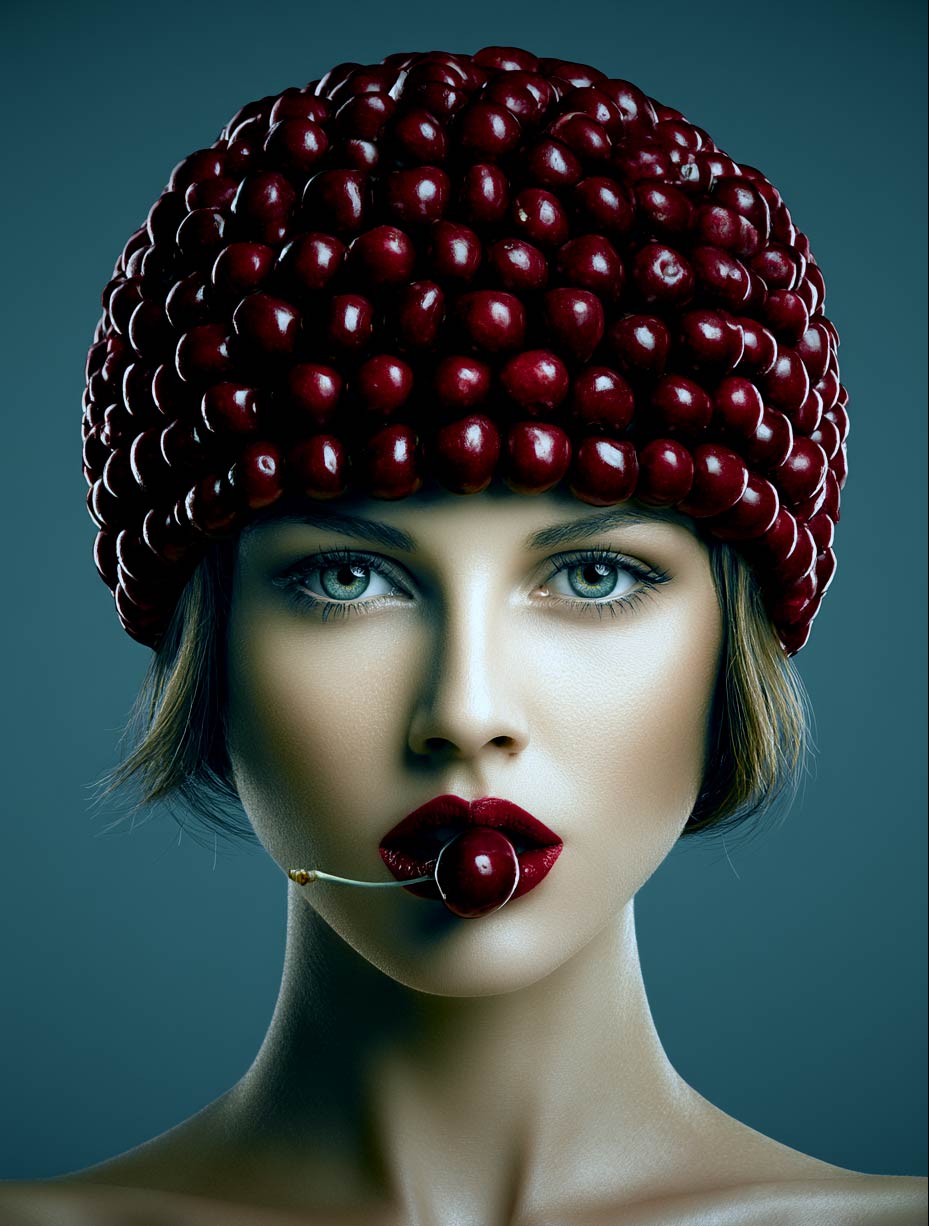
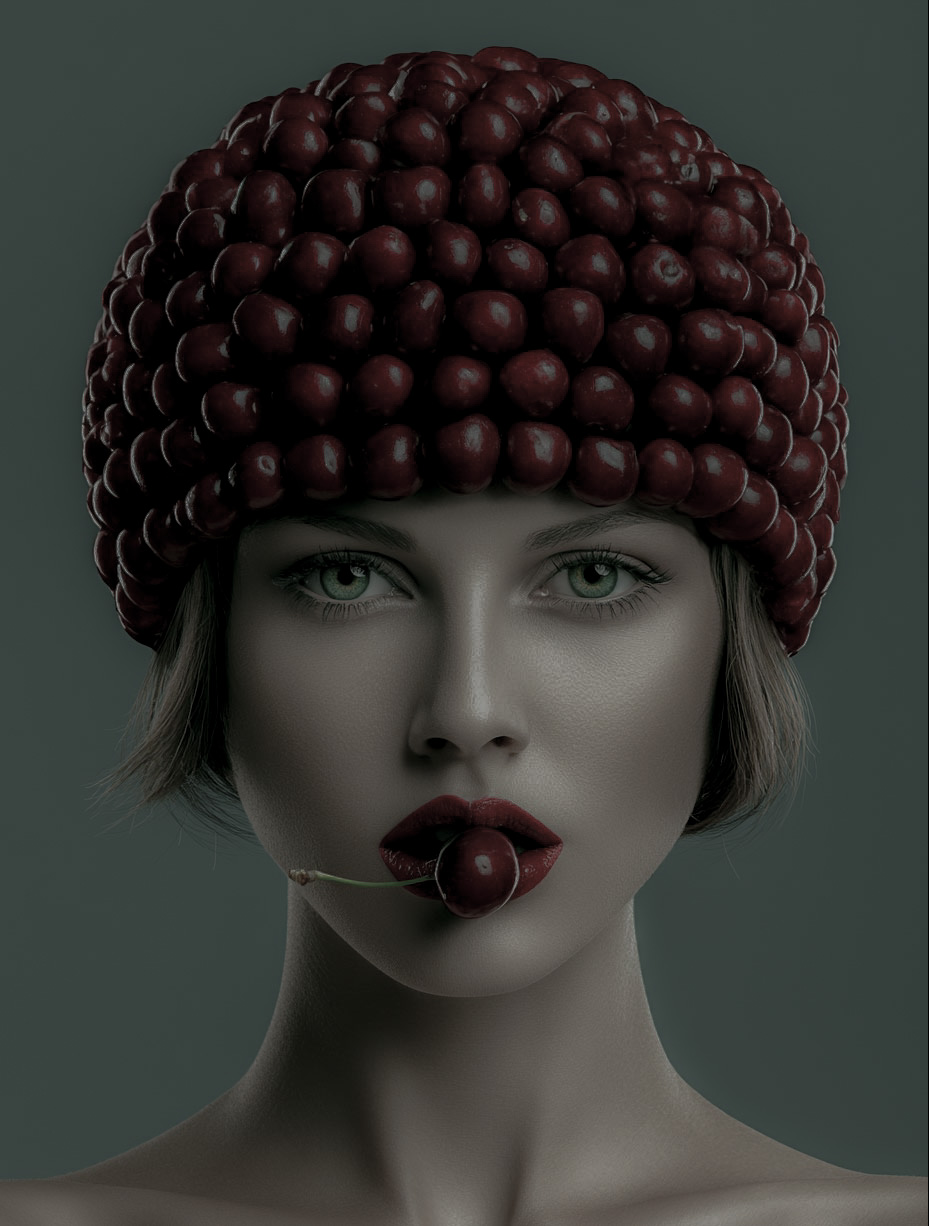
With Crime LUT applied Original photo, no LUT
Crime Original

Custom FX.

Discover Sound Effects

Explore all sound effects
Trailer Whoosh
Trailer Whoosh
Lukie SFX
Cinematic Impact
Backdrop Beats
Backdrop Beats
Original
Beats Chill
Epic Outro
Epic Outro
Original
Cinematic Loop
Truck Engine Start
Truck - Engine Start
Motorsports, Cars
Cars Energetic
Cinematic Trailer
Cinematic Trailer
Original
Trailer Energetic
Electrify
Electrify
Electric
Electronic Chill

Original scores.

Discover Music

Explore all music
Ambient Chill
Ambient Chill
Lukie Music
Ambient Chill
Morning Coffee
Morning Coffee
Dyalla
Acoustic Peaceful
Beatsaber Epic Fantasy
Orchestra, Fantasy
Fantasy Gaming
Electro Chill
Electro Chill
LoFi, Relaxing
LoFi Chill
Electric Cellos
Electric Cellos
Cello, Electronic
Electronic Energetic
Bird in Hand
Bird in Hand
Guitar, Folk
Folk Nature

Frequently asked questions

Lukie gives you every leading voice model in one place — ElevenLabs Multi v2, Kokoro 82M, Minimax Speech 2.8 HD, Chatterbox, Inworld TTS and more — under a single subscription.
The main differences come down to naturalness, speed, language coverage, and whether they support voice cloning. ElevenLabs leads on naturalness and language range; Kokoro 82M is the fastest for narration drafts; Chatterbox and ElevenLabs Clone both let you replicate a custom voice from a sample. Lukie labels each model with its strengths so you can pick the right one before you generate.
ElevenLabs Multilingual v2 covers 32+ languages including English, Spanish, French, German, Mandarin, Japanese, Korean, Arabic and Portuguese — all from the same model and the same voice. Other models are mostly English-focused but match it on clarity at higher speed.
Yes. Upload a short audio sample — 30 seconds is enough — to Chatterbox or ElevenLabs Clone and Lukie generates speech in your voice from any text. The cloned voice is private to your account.
Yes, on a paid Lukie plan every voiceover you generate is yours to use commercially — ads, videos, podcasts, narration, audiobooks. Free-plan generations are licensed for personal use only.
Fast-tier models like Kokoro 82M and Inworld TTS 2 return short clips in 2–5 seconds, making them great for narration drafts. Premium models like ElevenLabs Multi v2 take 5–15 seconds for a paragraph of natural, expressive speech.
No. Lukie runs entirely in the browser. There is no software to download, no GPU to rent, and no extensions to install.
Plans start at $15 per month, which gives you 500 credits to spend across the studio. Most voice generations cost 1–2 credits per clip — Kokoro 82M and Inworld TTS 2 are 1 credit, ElevenLabs and voice cloning are 2 — so you always know what a generation will run before you hit generate.
Yes — every clip can be regenerated with adjustments. Swap the voice, change the language, tune stability or similarity sliders on ElevenLabs, or rewrite a single line and re-render. You can also push a voiceover straight into AI Video for narrated clips.
Pricing

Start free. Scale when ready.

Free
$0

Perfect for exploring Lukie

  • 5 credits total
  • Standard voiceovers
  • Basic webpage templates
  • Community support
Lukie Enterprise
$49/ month

For teams and businesses

  • Everything in Pro
  • 1,500 credits / month
  • AI Model Selector
  • Priority processing queue
  • Email + chat support
  • Early access to new AI models
  • White-label exports
0:00
0:00

Sign In

Access your Lukie account

or
Don't have an account?